Free Download
Teams Backgrounds
Custom video backgrounds featuring your AI assistant. Because every call deserves a conversation starter.

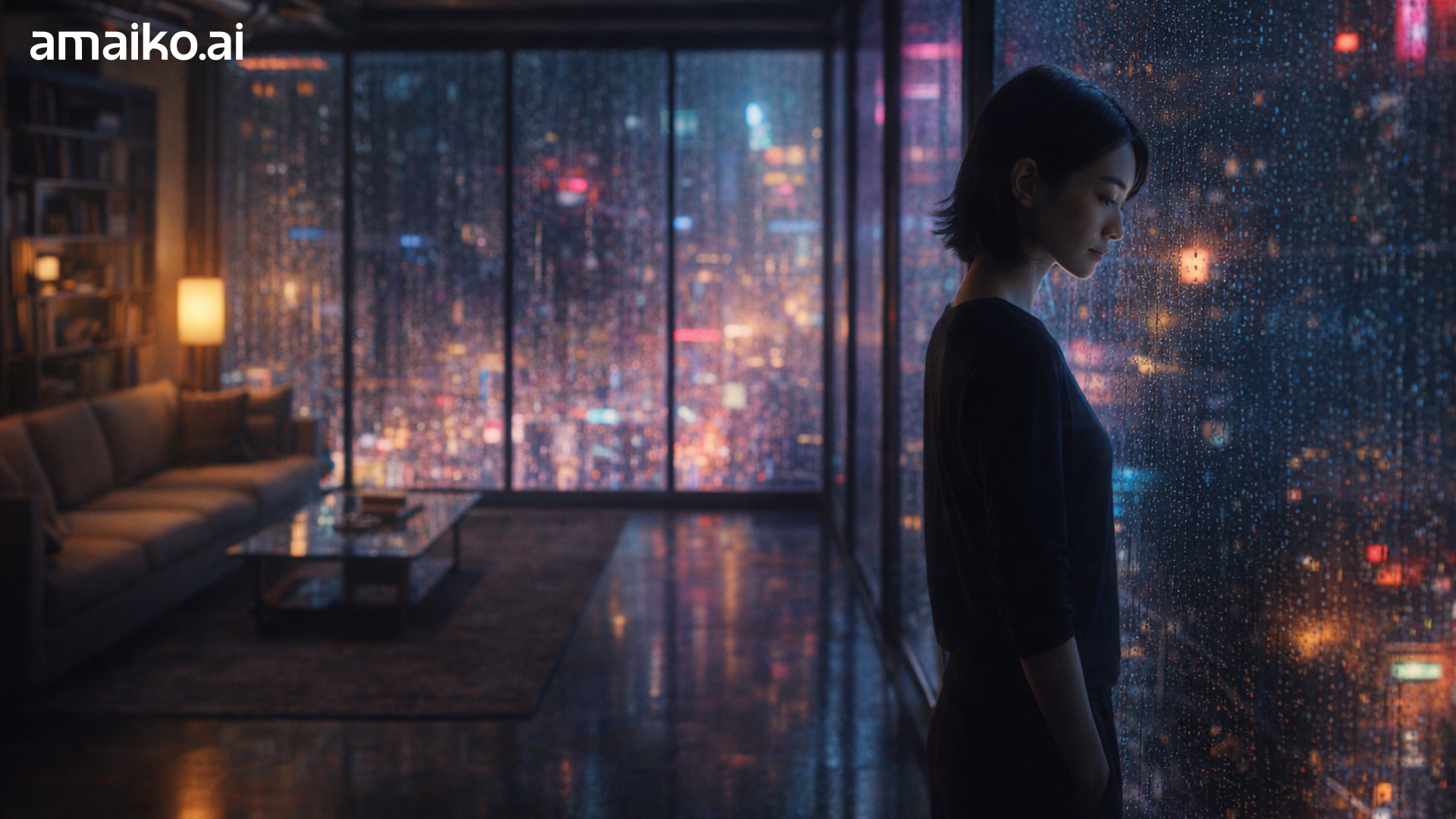
The Hologram
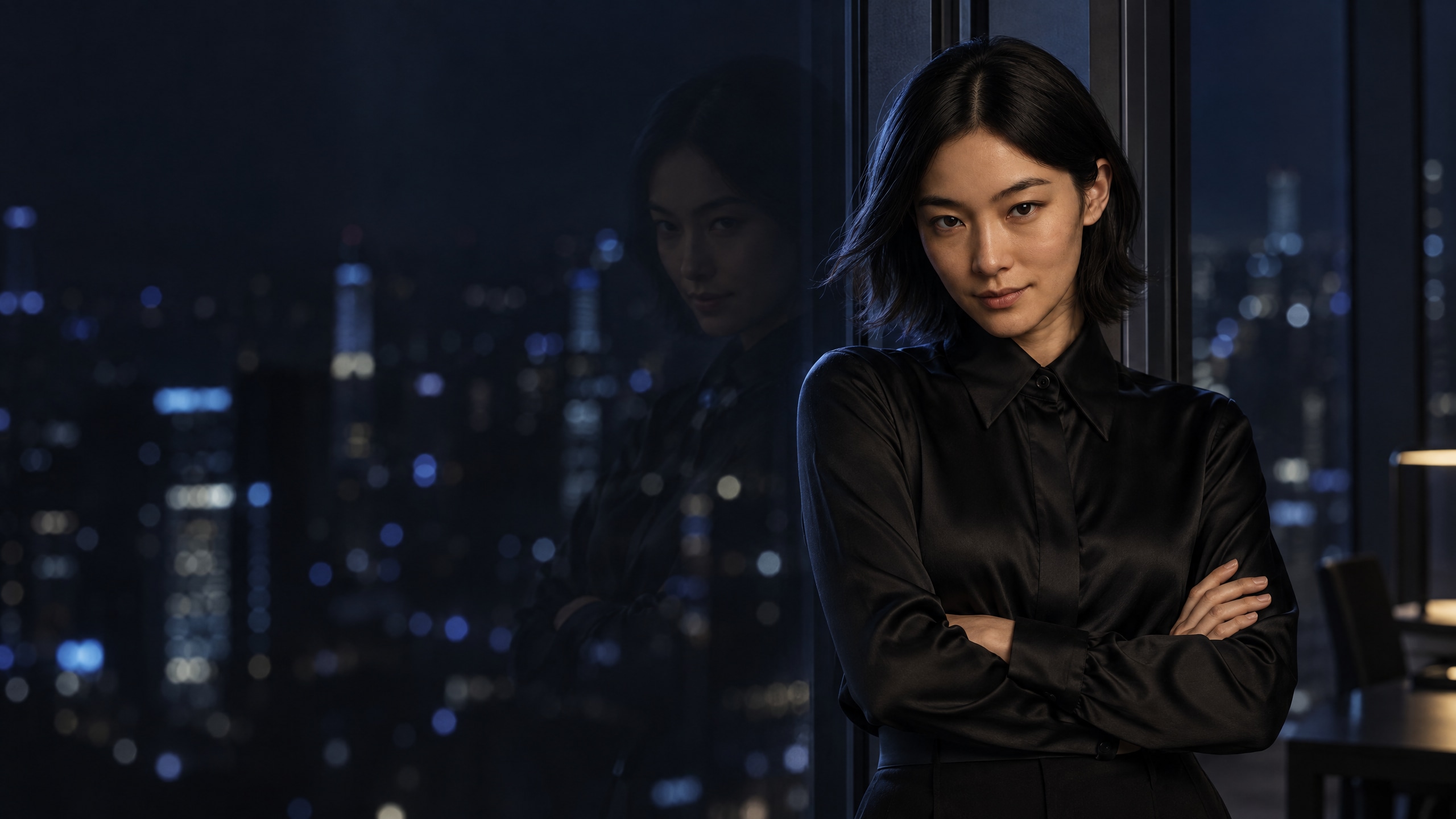
Cyberpunk penthouse. She glows different.
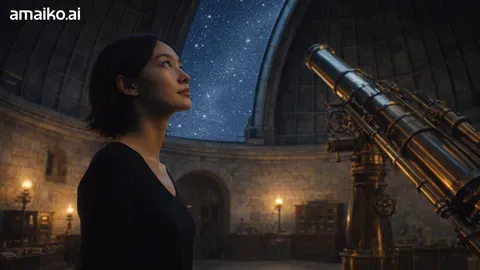
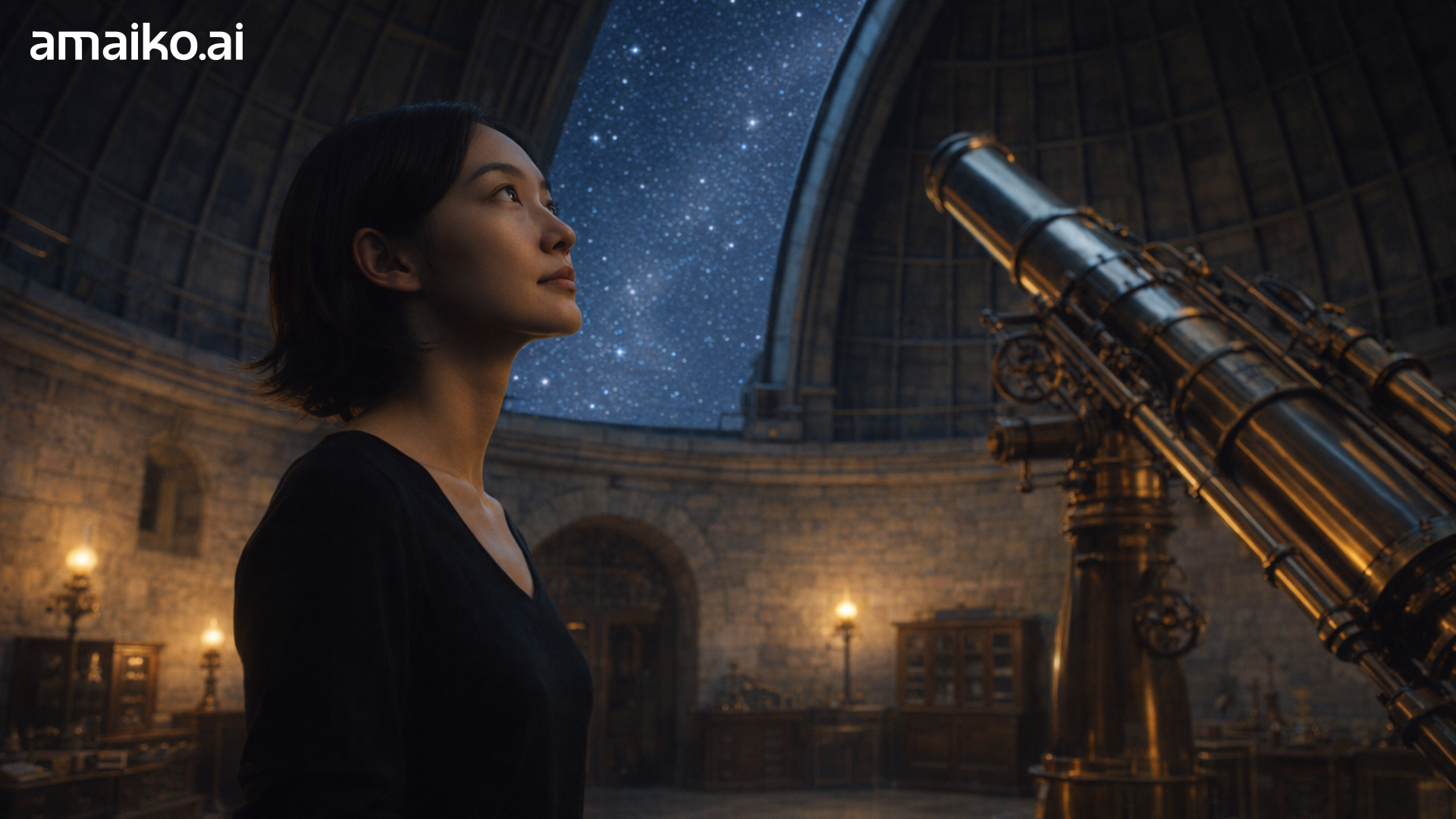
The Observatory
Ancient dome, modern mind.

The Infinite
Walking through everything ever known.

The Studio
Working on your problem.
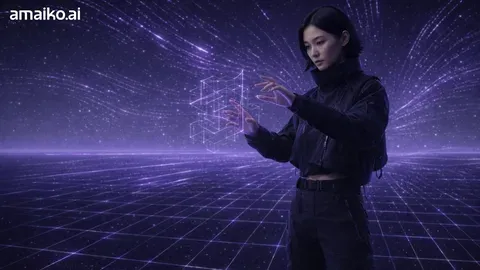
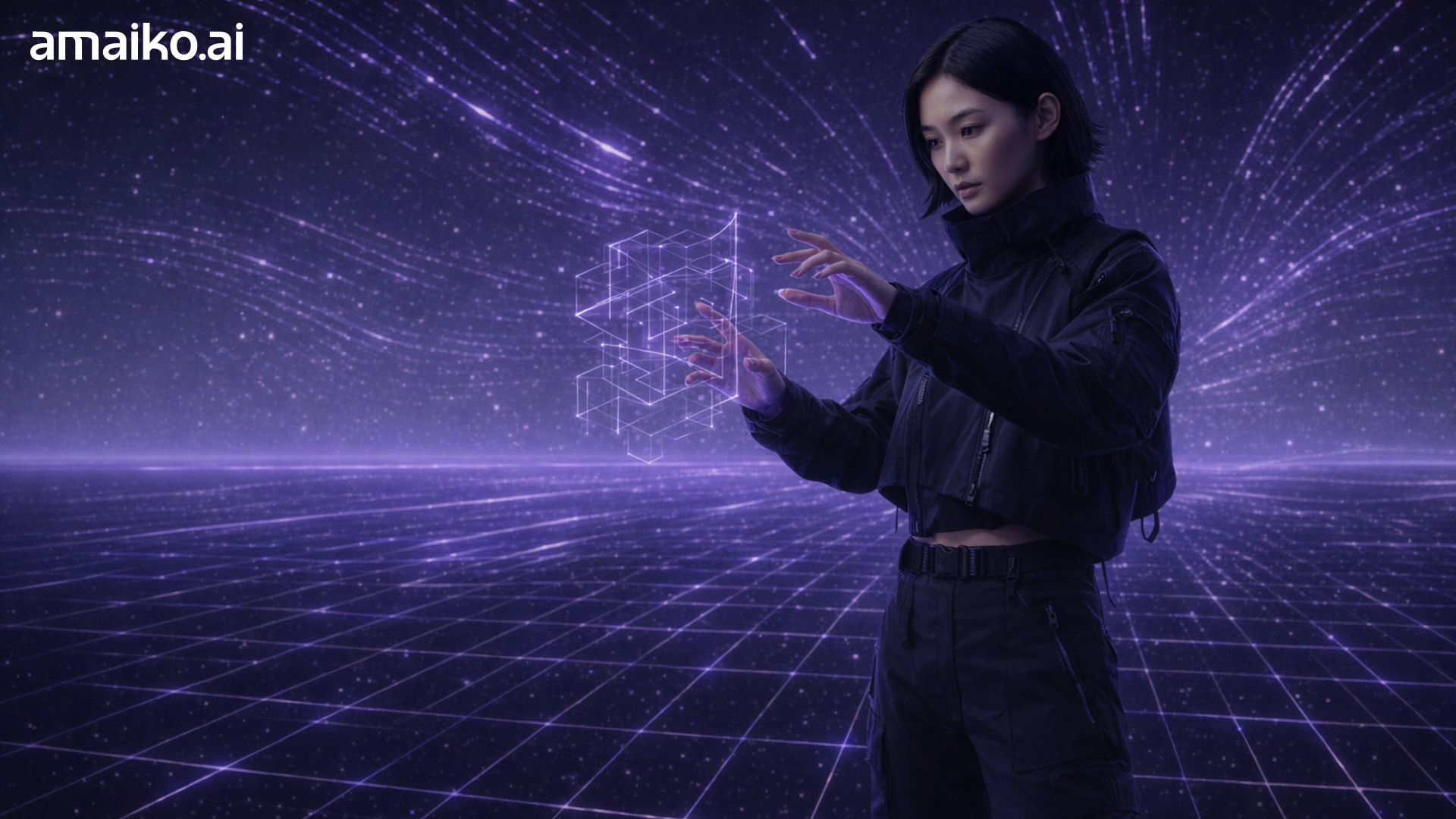
The Grid
Her domain. Pure digital power.
Clean
Subtle branding, no persona.

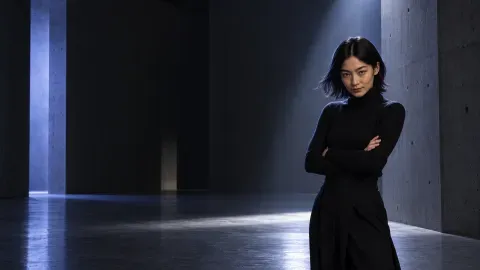





Phone Wallpapers
1440×2560. Room at the top for the clock.

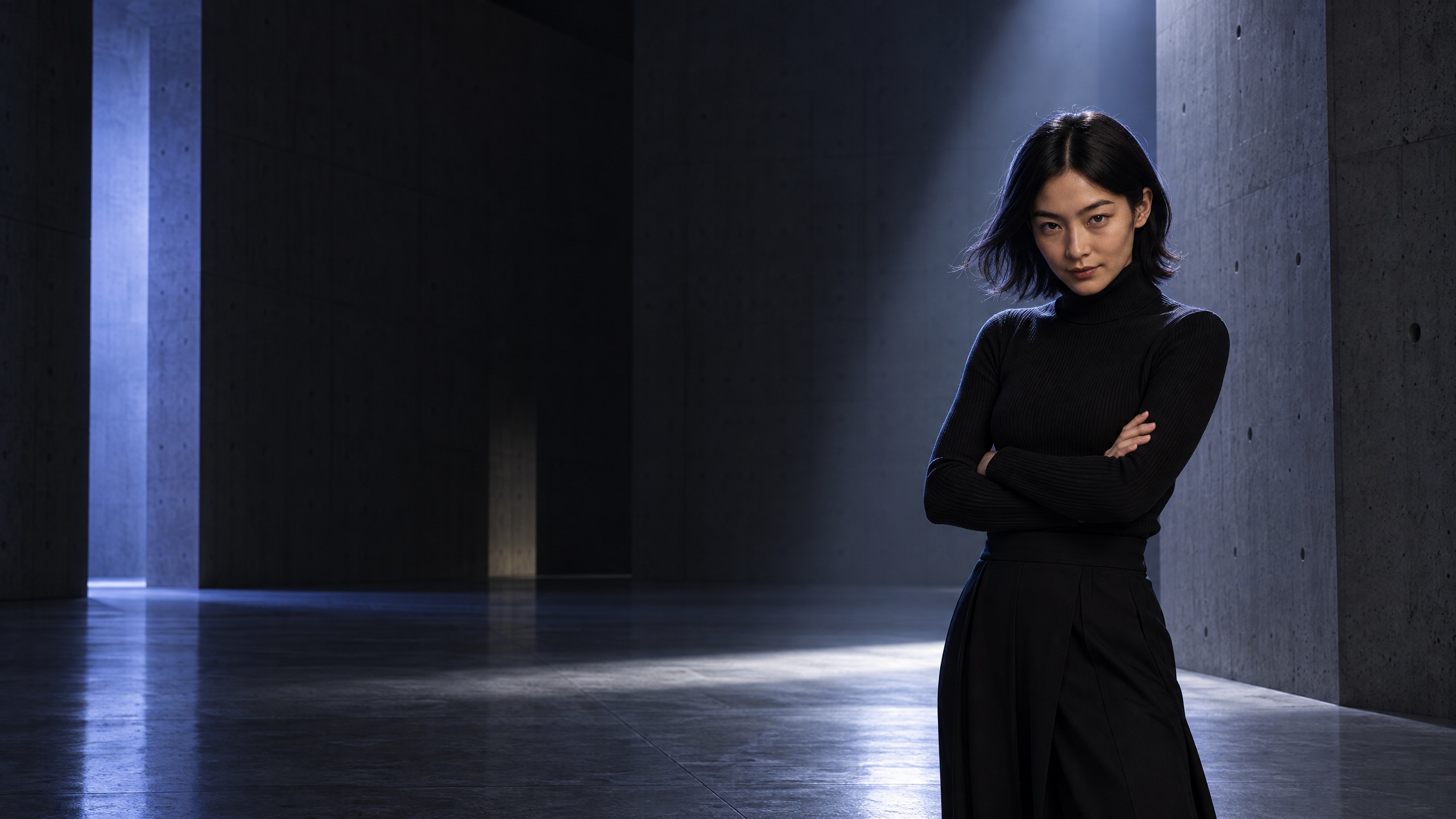
Studio Noir
Black on black, pocket size.

How to set a custom Teams background
1
Download the background you like (PNG, 1920×1080).
2
In Teams, open a meeting → click the camera icon or ••• → Video effects → Add new.
3
Select the downloaded image. Done.